Creating a landing page or content hub isn’t just about slapping together some text and images—it’s about crafting a focused experience that guides visitors toward a specific action. Whether you’re launching a new product, running an email campaign, or building a resource library, the difference between a page that converts and one that bounces often comes down to structure, clarity, and technical execution. I’ve built these for brands like British Gas and Nespresso, and the principles remain consistent: every element must serve a purpose.

The Anatomy of a High-Converting Landing Page
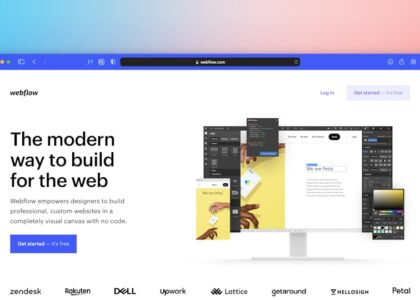
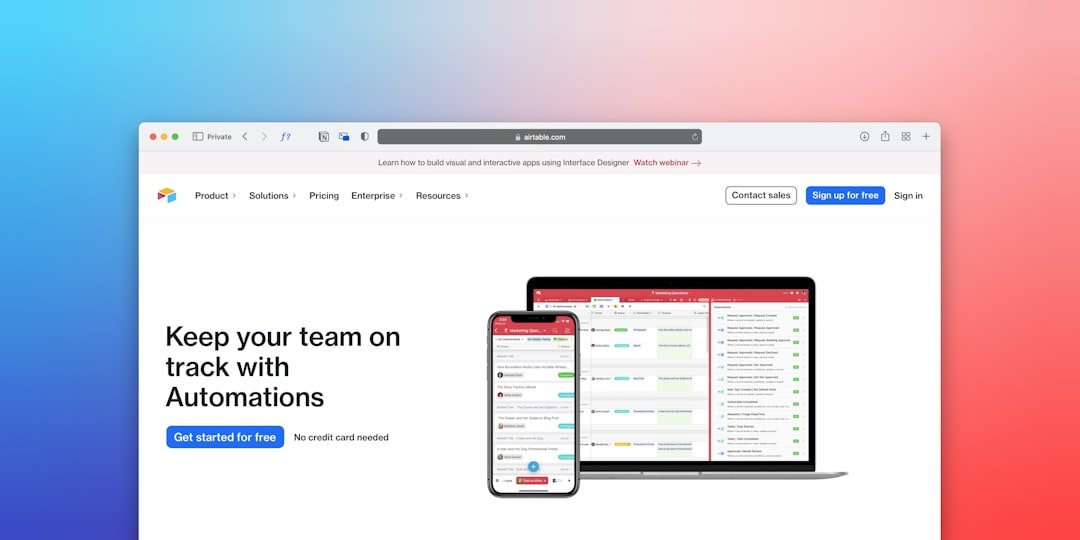
A landing page is a standalone web page designed to capture leads or drive a single conversion goal—like signing up for a newsletter, downloading a resource, or making a purchase. Unlike a homepage, it strips away navigation and distractions. The headline must grab attention immediately, often by addressing a pain point or offering a clear benefit. For example, a page promoting a responsive email template might say: “Build Emails That Look Perfect on Every Device.” Below that, a subheadline expands on the value proposition, and a hero image or video reinforces the message visually.
Social proof is critical here. Including client testimonials or logos from recognizable brands—like the ones featured in my portfolio, including Nespresso and British Gas—builds trust instantly. A case study snippet showing metrics, such as a 40% increase in open rates for an email campaign, adds credibility. The call-to-action (CTA) button should stand out with contrasting colors and action-oriented text like “Get Your Free Template” or “Start Your Project.” Keep forms minimal; asking for just an email address reduces friction.
Technical performance matters too. Slow load times kill conversions. Use optimized images, lazy loading, and minimal JavaScript. For WordPress sites, caching plugins and a lightweight theme help. I’ve seen landing pages lose 20% of potential leads just because of a 2-second delay. Testing different headlines, CTA colors, and form fields through A/B testing reveals what resonates with your audience.
Building a Content Hub That Educates and Engages
A content hub is a centralized resource that organizes blog posts, guides, videos, and case studies around a core theme—like email marketing best practices or responsive web development. Unlike a landing page, its goal is to nurture visitors over time, positioning you as an authority. For example, a hub on email development best practices could include tutorials on coding for Outlook, tips for dark mode compatibility, and case studies of high-performing campaigns. Each piece of content links to others, creating a web of value that keeps users exploring.
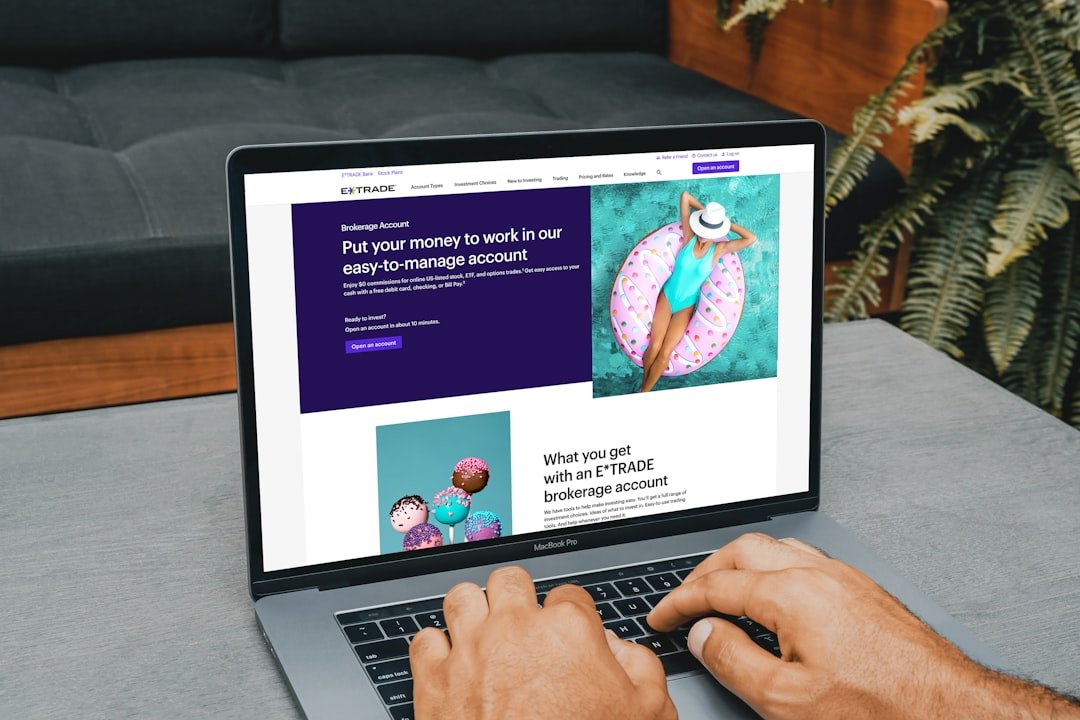
Structure your hub with clear categories and a search function. Use internal linking to connect related posts—for instance, a guide on “Creating Responsive Emails” can link to my post on Responsive Web Development: Building for Every Device. This not only improves SEO but also encourages deeper engagement. Visual hierarchy matters: use headings, bullet points, and images to break up text. I often use interactive elements like quizzes or calculators—similar to the Nespresso flavor profile quiz—to boost time on page.
Regular updates keep the hub fresh. Aim to publish at least one new piece per week. Cross-promote via email newsletters and social media. For B2B audiences, include downloadable resources like checklists or whitepapers behind a simple form. Over time, the hub becomes a lead generation engine, attracting organic traffic from long-tail keywords like “freelance email developer UK” or “React developer portfolio.”
Integrating Landing Pages and Hubs with Email Campaigns
The real power emerges when you connect landing pages and content hubs with email marketing. A well-crafted email directs recipients to a landing page that continues the narrative. For instance, a promotional email for a new WordPress plugin might link to a landing page with a demo video and a sign-up form for early access. Alternatively, a weekly newsletter can feature a roundup of the latest hub articles, driving traffic and encouraging subscriptions.
Technical integration is key. Use Pardot, Salesforce, or Mailchimp to track clicks and conversions. I’ve built responsive modular email templates for British Gas that seamlessly connect to their content hub, allowing recipients to explore related resources with a single click. Ensure your emails render correctly across clients—especially Outlook, which uses Word’s rendering engine. Tools like Litmus or Email on Acid can test this. A broken email destroys trust.
Segmentation improves results. Send different landing page links to leads based on their behavior—for example, a case study on email automation to someone who downloaded a template guide. Personalization increases conversion rates by up to 30%. Also, include a clear CTA in every email, whether it’s “Read the Full Case Study” or “Book a Free Consultation.” The goal is to move the prospect from awareness to action.
Measuring Success and Iterating
Without data, you’re guessing. Track metrics like conversion rate, bounce rate, time on page, and click-through rate for both landing pages and content hubs. Use Google Analytics and heatmaps (like Hotjar) to see where users drop off. For email campaigns, monitor open rates and link clicks. A landing page with a 5% conversion rate might improve to 10% after tweaking the headline or form length.
Content hubs benefit from engagement metrics: average session duration, pages per session, and returning visitors. If a particular article on 11 Principles of UX Design from a Start-up Perspective gets high traffic, consider creating a follow-up or expanding it into a guide. Regularly audit your hub for outdated information and update links. Also, solicit feedback from users—a simple survey can reveal what content they find most valuable.
, optimize for mobile. Over 60% of email opens happen on mobile devices, and Google prioritizes mobile-friendly pages. Use responsive design principles, as outlined in my post on The Value of Responsive Web Design in Modern Digital Spaces. Test everything on real devices. A broken layout on an iPhone can cost you a lead.
Ready to build a landing page or content hub that drives results? Start by defining your audience’s biggest challenge. Then craft a single, focused offer that solves it. If you need technical help—whether it’s coding a responsive email template, integrating a React component, or setting up a WordPress site—I’m here to execute. Reach out and let’s turn your visitors into loyal clients.